The Ultimate Guide to Setting Up Azahar 3DS Emulator (2026)
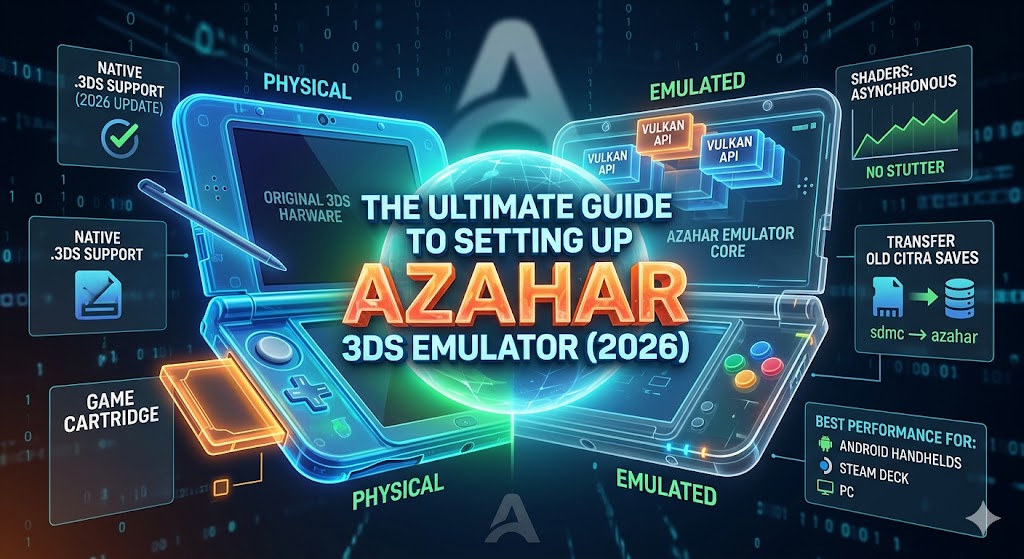
What’s up, Bosses? If you’ve been mourning the loss of Citra, it’s time to move on. Azahar is the new king of 3DS emulation, offering better performance on handhelds and smoother shader handling than its predecessors.
Whether you’re on an Android handheld, a Steam Deck, or a Windows PC, here is how you get Azahar running like a pro.
1. The File Format Trap (Crucial!)
For a long time, Azahar required you to rename all your .3ds files to .cci.
- The Good News: As of Update 2124.3 (January 2026), Azahar has brought back native
.3dssupport. - The Advice: Make sure you are on the latest version from the official GitHub. If you have an older version, your games won’t show up unless they are
.ccior.cia.
2. Step-by-Step Installation
- Download: Get the latest release from the official Azahar GitHub (don’t trust third-party APK sites).
- Permissions: On Android, you’ll need to grant the app permission to access your “Games” folder.
- Keys & Decryption: Like Citra, Azahar requires system keys (aes_keys.txt) to run encrypted games. Place these in the
appdata/azahar/sysdatafolder.
3. Best Performance Settings for 2026
To get that buttery-smooth 60FPS, use these “Boss” optimized settings:
- Graphics API: Set this to Vulkan. It is significantly more stable than OpenGL in 2026, especially for AMD and mobile GPUs.
- Internal Resolution: * Phone/Small Handheld: 2x or 3x Native.
- PC/Steam Deck: 4x or 6x Native (1080p/4K).
- Asynchronous Shaders: ENABLE THIS. This is Azahar’s secret weapon—it eliminates that annoying “shader stutter” when you enter a new area in games like Metroid: Samus Returns.
- Skip Right Eye Render: Enable this for a 50% performance boost on 2D games or if you don’t care about the 3D effect.
4. How to Transfer Your Old Citra Saves
Don’t lose your 100-hour Pokémon save!
- Locate your old Citra save folder (usually in
AppData/Roaming/Citra/sdmc). - Copy the entire
sdmcfolder. - Paste it into the Azahar directory (
Android/data/org.azahar.emu/filesor the equivalent on PC). - Azahar is a fork of Citra, so it should recognize your saves immediately.
Technical Tip: The “Plus” Version
If you see Azahar Plus on GitHub, it’s a community fork that includes experimental features like built-in Artic Base support (for playing local wireless multiplayer over the internet). If you’re a Pokémon or Monster Hunter fan, the Plus version is the one you want.
What game are you testing first on Azahar? Let me know in the comments!
The Azahar Emulator: Your Ultimate Guide to 3DS Emulation in 2026



Post Comment