Citron NEO & Pathfinder Setup Guide (April 2026): Maximum FPS for PC & Steam Deck
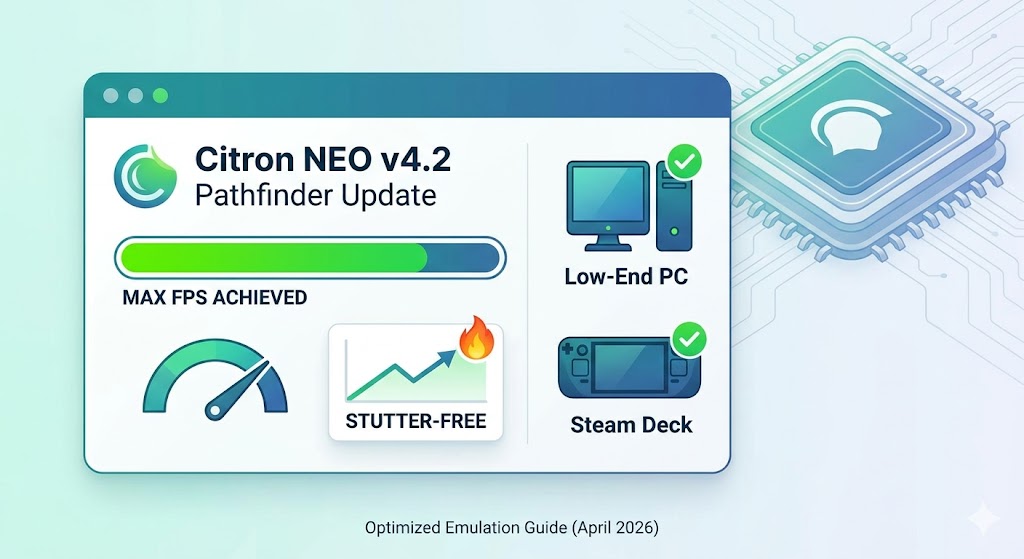
If you’ve been following the switch emulation scene lately, you know things have moved fast. With the recent rebranding and the launch of Citron NEO, the focus has shifted heavily toward X86 (PC) performance and stability.
If you’re still running the old 2025 builds, you’re leaving frames on the table. In this guide, we’re breaking down the exact settings you need to get Tears of the Kingdom and Dragon Ball: Sparking! Zero running flawlessly in 4K.
What’s New in Citron NEO?
The biggest change in the April 2026 Pathfinder update is the complete removal of legacy OpenGL support in favor of a “Vulkan-First” architecture. Here’s what that means for you:
- Dynarmic-GPLv3 Backend: Significant CPU overhead reduction.
- Homogenous GPU Decoding: Finally fixes the “black texture” bugs in heavy titles.
- Shader Cache Refresh: Note: The March 27th update invalidated old caches. You must rebuild yours for this build to avoid stuttering.
The “God-Tier” Settings (PC & High-End)
If you’re running a modern rig (RTX 30-series/50-series), use these settings to hit a stable 60 FPS in most titles.
Graphics Tab
- API: Vulkan (Mandatory)
- Resolution Scaling: 2x (4K) or 3x (8K) if you have the VRAM.
- NVDEC Emulation: GPU Video Decoding (Reduces CPU strain).
- Vsync Mode: Mailbox (Lowest latency for competitive titles like Smash Ultimate).
Advanced Graphics
- Accuracy Level: Normal (High is rarely needed and kills FPS).
- Anisotropic Filtering: 16x.
- Asynchronous Shader Building: ON (This is the “anti-stutter” toggle).
The Steam Deck & Handheld Sweet Spot
The Steam Deck is the most popular way to use Citron NEO right now, but it requires a bit of finesse.
- Resolution Scaling: 1x (720p/800p). Don’t push 2x on the Deck; the battery drain isn’t worth it.
- CPU Accuracy: Auto.
- Fast GPU Time: ON. This specifically helps titles like Mortal Kombat 11 avoid the “slow-motion” bug.
- Handheld Mode: Enabled (Ensures UI elements are scaled correctly for the smaller screen).
Pro Tip: The “Technician’s Fix” for Stuttering
As someone who handles hardware repairs daily, I see a lot of “performance issues” that are actually just thermal throttling. If you’re emulating on a laptop or a handheld:
- Check your Thermal Paste: If you haven’t repasted your device in over a year, emulation heat will tank your clocks.
- SSD Speed: Move your NAND and SDMC folders to an NVMe SSD. Loading shader caches from a slow MicroSD is the #1 cause of micro-stutter in 2026.
Final Thoughts
The Citron NEO team has done wonders for PC compatibility this year. While the Android branch has taken a backseat, the Windows and Linux performance is the best we’ve ever seen.
Need help with a specific game? Drop a comment below with your specs (CPU/GPU/RAM) and the game you’re trying to run, and I’ll help you dial in your config.




Post Comment