The Azahar Emulator: Your Ultimate Guide to 3DS Emulation in 2026
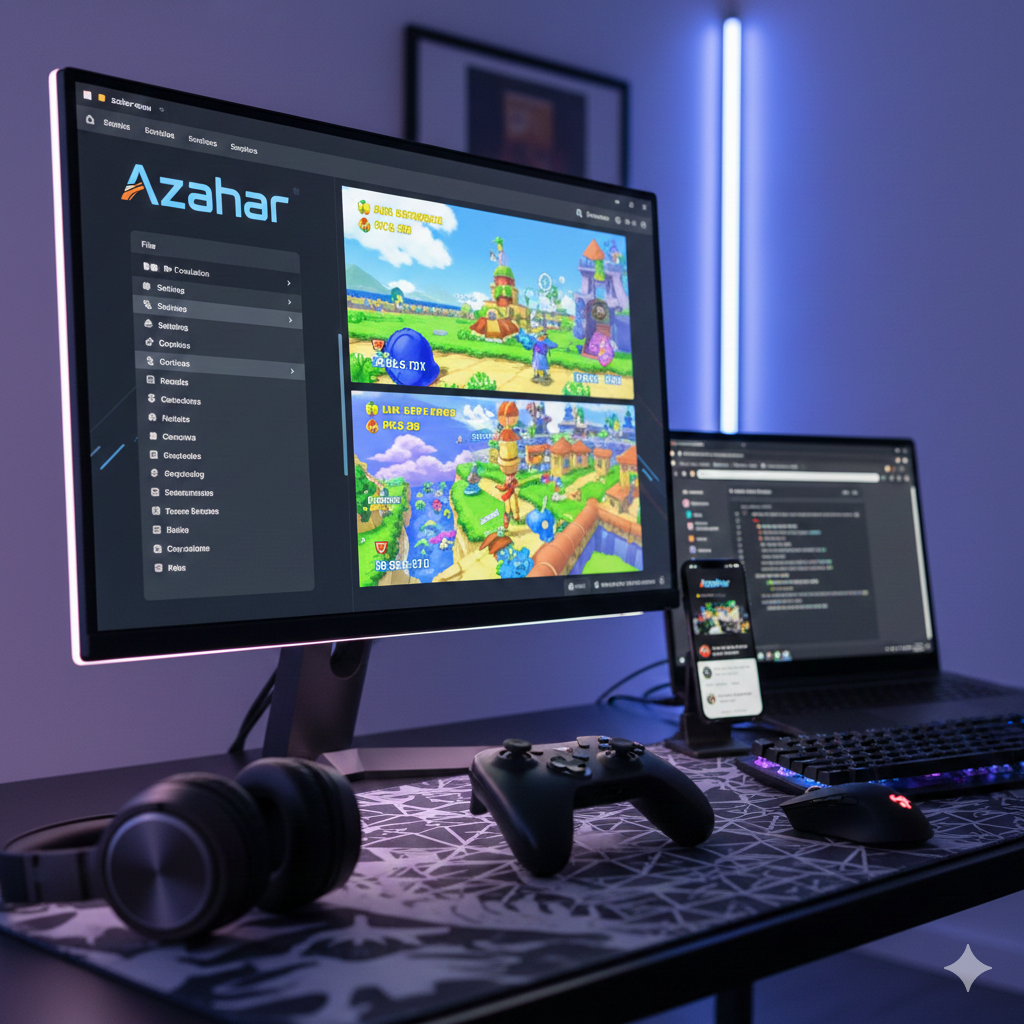
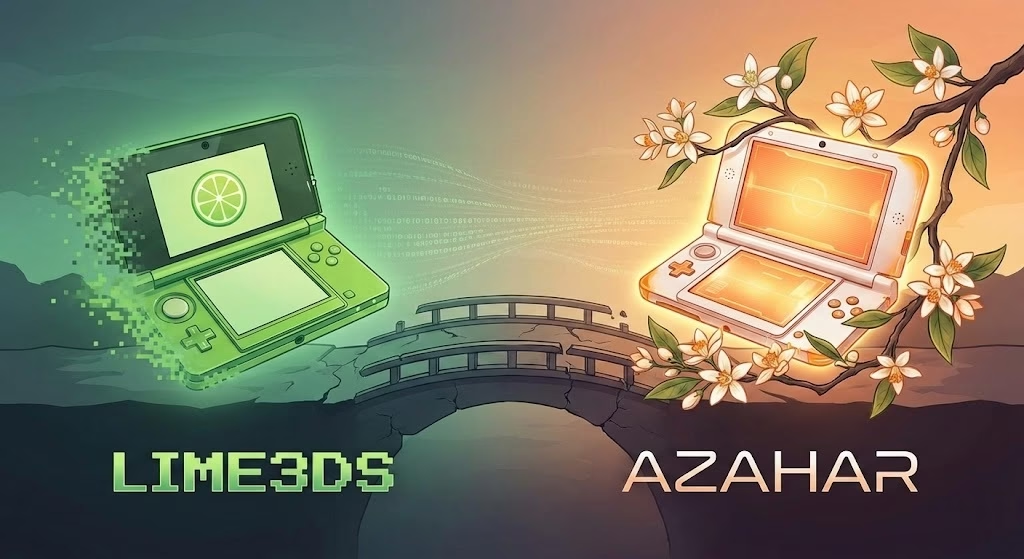
If you’ve been keeping up with the 3DS emulation scene, you know things moved fast after the original Citra project was discontinued. Among the names that rose from the ashes—like Lime3DS and Citra MMJ—Azahar has emerged as the heavy hitter.
But is it actually the “best,” and how do you get it running? Let’s dive into everything you need to know.
What is Azahar?
Azahar is an open-source 3DS emulator born from a merger of two major projects: PabloMK7’s Citra fork and Lime3DS. Its mission is to be the definitive, modern successor to Citra, offering better performance, modern features (like Vulkan support), and active development that the original project lacked in its final years.
How to Use Azahar: A Quick Setup Guide
Azahar is available on Windows, macOS, Linux, and Android. Here is the standard workflow to get your games running:
- Download & Install:
- Desktop: Grab the latest release from the official GitHub. On Windows, the MSYS2 build is generally recommended.
- Android: You can find it on the Google Play Store or via GitHub.
- The ROM Requirement (.cci vs .3ds):
- Important: Azahar has shifted away from the standard
.3dsextension to encourage the use of decrypted files. You will likely need to rename your.3dsfiles to.ccifor Azahar to recognize them.
- Important: Azahar has shifted away from the standard
- Configuring Graphics:
- Go to Settings > Graphics.
- If you have a modern device, set the API to Vulkan. If you experience crashes, fall back to OpenGL.
- Pro Tip: Enable “Disable Right Eye Rendering” in the settings. This is a “cheat code” for performance, as it stops the emulator from rendering the 3D depth effect you can’t see on a flat screen anyway, significantly boosting FPS.
- Mapping Controls:
- Azahar has excellent auto-mapping. If you plug in an Xbox or PlayStation controller, it should work immediately. You can customize hotkeys for “Swap Screens” or “Quick Save” in the Controls tab.
Is Azahar the Best 3DS Emulator?
“Best” is subjective in emulation, but here is how Azahar stacks up against the competition:
| Feature | Azahar | Citra MMJ | Lime3DS |
| Development | Highly Active | Stagnant/Slow | Merged into Azahar |
| Performance | Top-tier (best for Vulkan) | Great for low-end phones | Good, but outdated |
| Compatibility | Very High | High | High |
| Special Features | Save States, Secondary Screen casting | Performance hacks | Standard Citra features |
The Verdict: * Yes, for most users, Azahar is the best choice because it is the most modern and actively supported. It handles shader compilation better than old Citra (meaning fewer stutters) and includes quality-of-life features like save states that were often missing in performance-focused forks.
- The Exception: If you are on a very old Android device with a Mali GPU, Citra MMJ might still provide a smoother experience because it uses aggressive “hacks” to gain speed at the cost of accuracy.



Post Comment