Crimson Desert Best Performance Settings: The Ultimate FPS Guide for Pywel
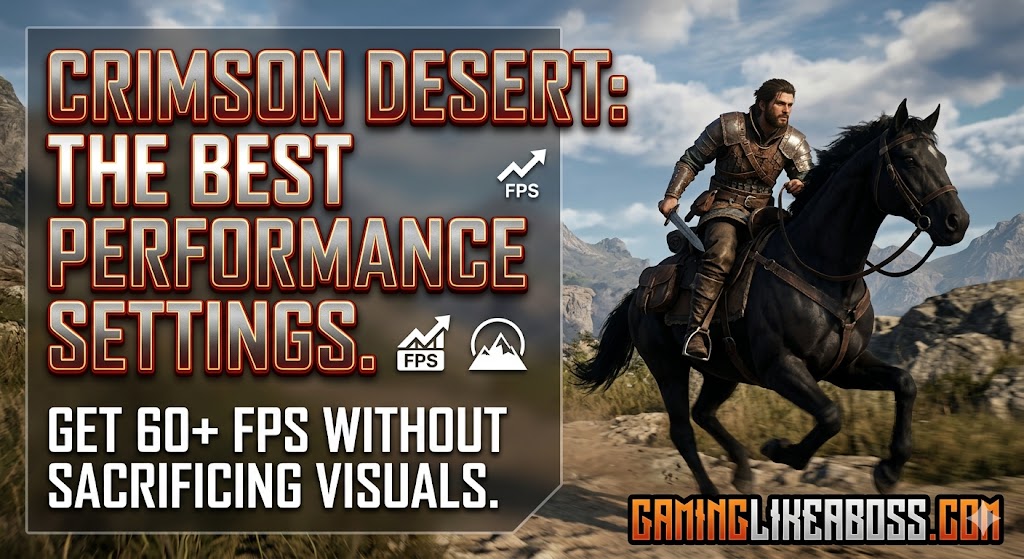
Crimson Desert is a visual masterpiece, but its proprietary BlackSpace Engine can be a resource hog. Here is how to optimize the game for a buttery-smooth 60+ FPS without sacrificing the stunning world of Pywel.
1. The “Heavy Hitters” (Adjust These First)
These settings provide the largest performance uplift with the least impact on visual “wow factor.”
- Lighting Quality: This is the single most taxing setting. Set this to High or Ultra. Avoid the “Max” or “Cinematic” tiers; they are currently unoptimized and can tank your FPS by nearly 40-50% for negligible visual gains.
- Model Quality: Set to High. This controls the draw distance and Level of Detail (LOD). Dropping this from Ultra to High can give you a 10% boost and helps significantly with stuttering in dense forest areas.
- Shadow Quality: Move this to Medium. In Crimson Desert, higher shadow settings often just make shadows sharper, which can actually look “noisier” in the game’s art style.
2. Leverage AI Upscaling (DLSS / FSR / XeSS)
Modern gaming is built on upscaling. If you aren’t using it, you’re leaving free frames on the table.
- NVIDIA Users: Use DLSS 4.0 (or 4.5 for 40-series cards). Set it to Quality for 1440p and Balanced for 4K.
- AMD/Intel Users: Use FSR 3 or XeSS. These are excellent for maintaining clarity while boosting performance by up to 20%.
- Frame Generation: Only turn this on if your base FPS is already above 40 FPS. If your base is too low, you’ll feel “input lag,” which ruins the fast-paced combat.
3. Settings to Keep “Ultra”
Don’t sacrifice everything! Keep these high to maintain that “Boss” aesthetic:
- Texture Quality: As long as you have 8GB+ of VRAM, keep this at Ultra. It has almost zero impact on FPS but keeps the world looking crisp.
- Reflection Quality: The water and puddles in Crimson Desert are iconic. Keep this at High/Cinematic unless you are on a very low-end rig.
🛠️ Quick Optimization Table
| Setting | Recommended Value | Performance Impact |
| Upscaling Mode | DLSS / FSR (Quality) | Very High (Boost) |
| Lighting Quality | High | High |
| Shadow Quality | Medium | Medium |
| Volumetric Fog | Medium | Medium |
| Ray Reconstruction | Off | High |
| Simulation Quality | Ultra | Low |
Pro Tip: Disable Ray Reconstruction for now. While it’s a great tech in other games, in the current build of Crimson Desert, it causes texture “flattening” and a significant performance hit.
🖥️ Hardware Check (PC Requirements 2026)
To play at 1440p / 60 FPS, the community sweet spot is:
- GPU: NVIDIA RTX 4070 or AMD RX 7700 XT.
- CPU: Ryzen 5 7600X or Intel i5-12600K.
- Storage: 150GB SSD is Mandatory. Running this on an HDD will cause massive hitching during world traversal.




Post Comment